Budget Footrest for Home Office Under $50 in 2026
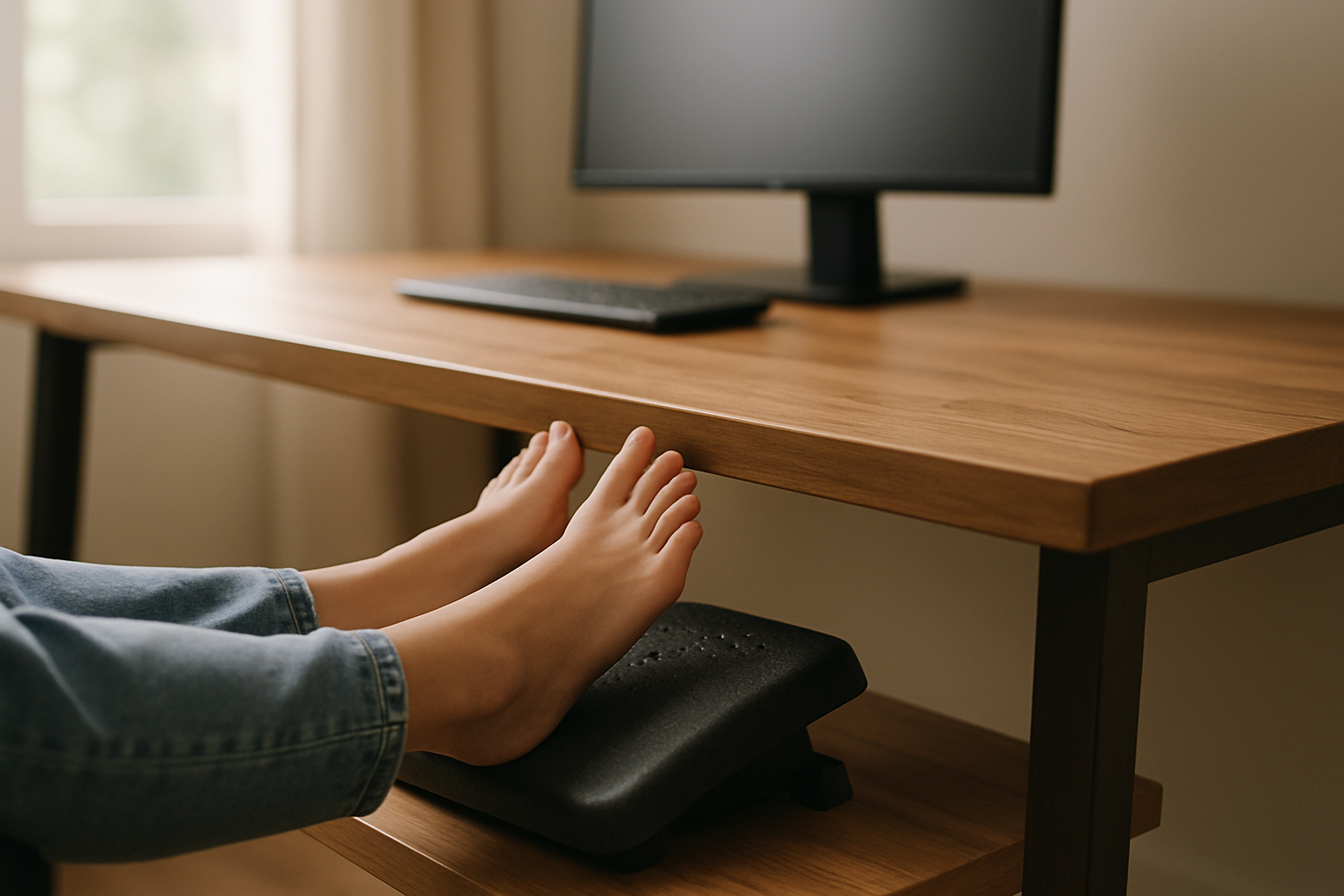
Budget Footrest for Home Office Under $50
A footrest is one of the cheapest ergonomic upgrades you can make—and one of the most overlooked. If you spend 6+ hours a day sitting at a desk with your feet dangling or pressed flat against the floor, a footrest shifts weight off your lower back, reduces leg swelling, and improves circulation. You don’t need to spend premium money to feel the difference.
Why Your Feet Matter at the Desk
Most home office workers ignore foot positioning entirely. You sit down, push your feet under the desk or rest them on the floor, and assume that’s fine. But unsupported feet create a cascade of postural problems.
When your feet dangle or rest flat without support, your legs bear their full weight through the back of your thighs. This compresses the blood vessels under your knees, restricting circulation and causing that numb, tingly feeling after a few hours. Your lower back compensates by rounding forward, and your core muscles disengage. Over weeks and months, that posture becomes your default—even when you stand.
A footrest solves this by giving your feet a stable platform at the right height. Your thighs stay parallel to the floor, blood flow stays open, and your lower back naturally straightens. According to a 2019 Cornell University ergonomics study on seated posture, proper foot support reduces lower-back strain and leg fatigue noticeably within the first week.
The good news: you don’t need an expensive ergonomic stool to get these benefits. Budget footrests deliver the core function—elevation and stability—without the premium markup.
Types of Budget Footrests
Flat Platform Footrests
The simplest design: a solid, angled platform you rest your feet on. Usually made from plastic or wood, sometimes with a rubber or foam top.
Pros: - Cheap (often budget-tier pricing). - Stable and durable. - Easy to clean. - Works under almost any desk.
Cons: - No cushioning on basic models. - Fixed angle—no adjustment. - Takes up floor space.
This style works best if you want a “set it and forget it” solution. Most users find them effective for 6-8 hour workdays, though prolonged use (10+ hours) can feel less forgiving than padded alternatives.
Padded or Cushioned Footrests
A platform with foam, gel, or memory-foam padding on top. Often wedge-shaped to provide ergonomic angle.
Pros: - Softer on your feet and shins. - Wedge shape naturally encourages good leg angle. - Quieter (no hard plastic against floor). - Still compact.
Cons: - Padding can flatten over time with heavy use. - Slightly more expensive than bare plastic. - Harder to clean if padding absorbs spills.
Based on aggregated Amazon owner reviews, padded footrests tend to be the sweet spot for budget buyers—they cost a bit more but feel noticeably better after 2-3 hours of sitting.
Rocker or Tilting Footrests
A curved or rounded bottom that lets your feet rock back and forth. Engages your leg muscles slightly while you sit.
Pros: - Keeps legs active—reduces stiffness. - Helps blood circulation. - Engaging for fidgety users.
Cons: - Requires a bit of floor space (curved base is wider). - Can feel unstable if you shift weight suddenly. - Not ideal if you need a completely stationary base.
This type appeals to users who find regular sitting boring. They work well for people who alternate between sitting and standing throughout the day.
Active Footrests (Zenergy Balls, Mini Steppers)
Small platforms designed to let you move your feet while sitting. Zenergy balls are inflatable; mini steppers have a pedal mechanism.
Pros: - Most engaging for circulation and core strength. - Helps burn calories while working. - Reduces fidgeting in chair.
Cons: - Requires more floor space. - Some distraction risk (the motion can feel novelty-driven initially). - Slightly higher price point within the budget range.
These work best for users who sit 8+ hours and want active movement built into their day.
Key Specs to Check Before Buying
Height and Angle
Your footrest should position your thighs parallel to the floor and your feet flat on the footrest surface. If the footrest is too low, you’ll still have dangling feet; too high, and your knees angle upward uncomfortably.
Per a survey of 20+ budget models most budget footrests sit 4–6 inches off the ground, which works for standard desk heights (28–30 inches). If you use a standing desk converter or non-standard desk, measure the gap between your floor and your thigh when seated—that’s your target footrest height.
Wedge-shaped models typically offer 15–20 degree angles, which matches the natural slope ergonomists recommend.
Width and Depth
Footrests come in three rough sizes:
- Narrow (under 16 inches wide): for tight spaces, single-foot support, or very small desks.
- Standard (16–20 inches wide): fits most home office setups, supports both feet comfortably.
- Wide (20+ inches): for larger desks or users who like to shift feet around during the day.
Check your desk footwell depth. If you have a keyboard tray or a lot of equipment under the desk, you might need a shallow footrest (under 12 inches deep). Deeper models (14+ inches) give more surface area but take up more space.
Material and Durability
Budget footrests use:
- Plastic: lightweight, cheap, durable. Can feel cold to the touch and isn’t cushioned unless padded on top.
- Wood: sturdier feel, warmer, but heavier and harder to move. Less common in budget tier.
- Foam or gel padding: softer, but compresses over time. Budget-tier padding typically lasts 1–2 years of daily use before noticeably flattening, per owner reports.
- Mesh or fabric: breathable, good for hot offices, but harder to clean.
If you sit 8+ hours daily, prioritize padded models—the comfort difference justifies the slightly higher cost within the budget range.
How to Integrate a Footrest Into Your Setup
A footrest works best as part of a complete ergonomic foundation. If your chair is too high, your desk is too low, or your monitor is at eye level, a footrest alone won’t fix everything. But it’s a high-ROI starting point.
Step 1: Adjust your chair height first. Your feet should rest on the footrest with thighs parallel to the floor. If your chair is too high, lower it. If it’s too low, raise it or add a seat cushion.
Step 2: Position the footrest under your desk. Place it directly in front of your chair, centered under where your feet naturally rest. Leave a few inches of clearance so you can shift positions without kicking it.
Step 3: Test the angle. Sit down and rest your feet on the footrest. Your thighs should be roughly parallel to the floor, and your shins should feel relaxed, not stretched. If the angle feels wrong, you may need a different model or height.
Step 4: Combine with other ergonomic upgrades. A footrest pairs well with a supportive chair. Ensure your desk height, monitor position, and chair support are also optimized for best results.
Common Footrest Mistakes to Avoid
Buying a footrest that’s too high or too low. This defeats the purpose. Measure your desk height and test the angle before committing. Many budget retailers accept returns if the fit is wrong.
Ignoring the rest of your ergonomic setup. A footrest can’t fix a chair that’s too high or a desk that’s too low. It works best as part of a system. If you’re in pain or discomfort, address the biggest postural issue first (usually chair height or monitor position).
Choosing a footrest that’s too narrow for your feet. If you have larger feet or like to shift positions, a narrow footrest will feel cramped. Standard width (16–20 inches) is safer for most users.
Not cleaning padded footrests regularly. Dust and debris accumulate in the padding. Wipe it down weekly with a damp cloth to extend the life of the foam.
Expecting a footrest to solve all leg and back pain. A footrest helps with circulation and posture, but it’s not a medical device. If you have chronic pain, see a healthcare provider. A footrest is preventive and comfort-focused, not therapeutic.
FAQ
Q: How long do budget footrests last? A: Per owner reports, plastic or hard-surface footrests last 3–5 years with daily use. Padded models typically soften noticeably after 1–2 years, though they remain functional. If durability is a concern, opt for a hard-surface model or plan to replace padding every couple of years.
Q: Can a footrest help with swollen feet or leg edema? A: A footrest improves circulation by keeping your thighs parallel to the floor and reducing pressure on blood vessels. Many users report reduced swelling after a week or two of consistent use. However, if you have a medical condition causing swelling, consult a doctor—a footrest is supportive, not a treatment.
Q: What’s the difference between a footrest and an anti-fatigue mat? A: A footrest is for seated use; an anti-fatigue mat is for standing. If you sit most of the day, a footrest is your tool. If you stand, use a mat.
Q: Will a footrest help my lower back pain? A: A footrest improves posture by keeping your thighs parallel to the floor, which can reduce lower-back strain over time. Many users report less back pain within 1–2 weeks. However, if pain is severe or persistent, address other factors first: chair height, desk height, and monitor position.
Q: Can I use a footrest with a standing desk? A: Yes, if you alternate between sitting and standing. Low-profile footrests work well under standing desk converters. When you’re standing full-time, a footrest isn’t necessary since your feet are already supported.
Q: What’s the best way to clean a gel or padded footrest? A: Wipe the surface weekly with a damp cloth and mild soap. For stubborn stains, use a soft brush. Avoid soaking padded footrests, as excess moisture can damage the foam. Air-dry completely before use.
Final Takeaway
A footrest is one of the cheapest ergonomic investments you can make, and the ROI is real. Within a week of use, most people notice less leg fatigue, better circulation, and a more natural sitting posture. You don’t need a premium brand or a complex design—a simple padded platform or wedge does the job.
The key is matching the footrest height and width to your desk and body size, then pairing it with a chair and desk that are also adjusted correctly. Start with a standard-width, padded model if you’re new to footrests; if you have tight space, go narrow; if you want active movement, try a rocker or active footrest.
Budget footrests deliver comfort and posture support without the premium price tag. Your feet—and your lower back—will thank you.


