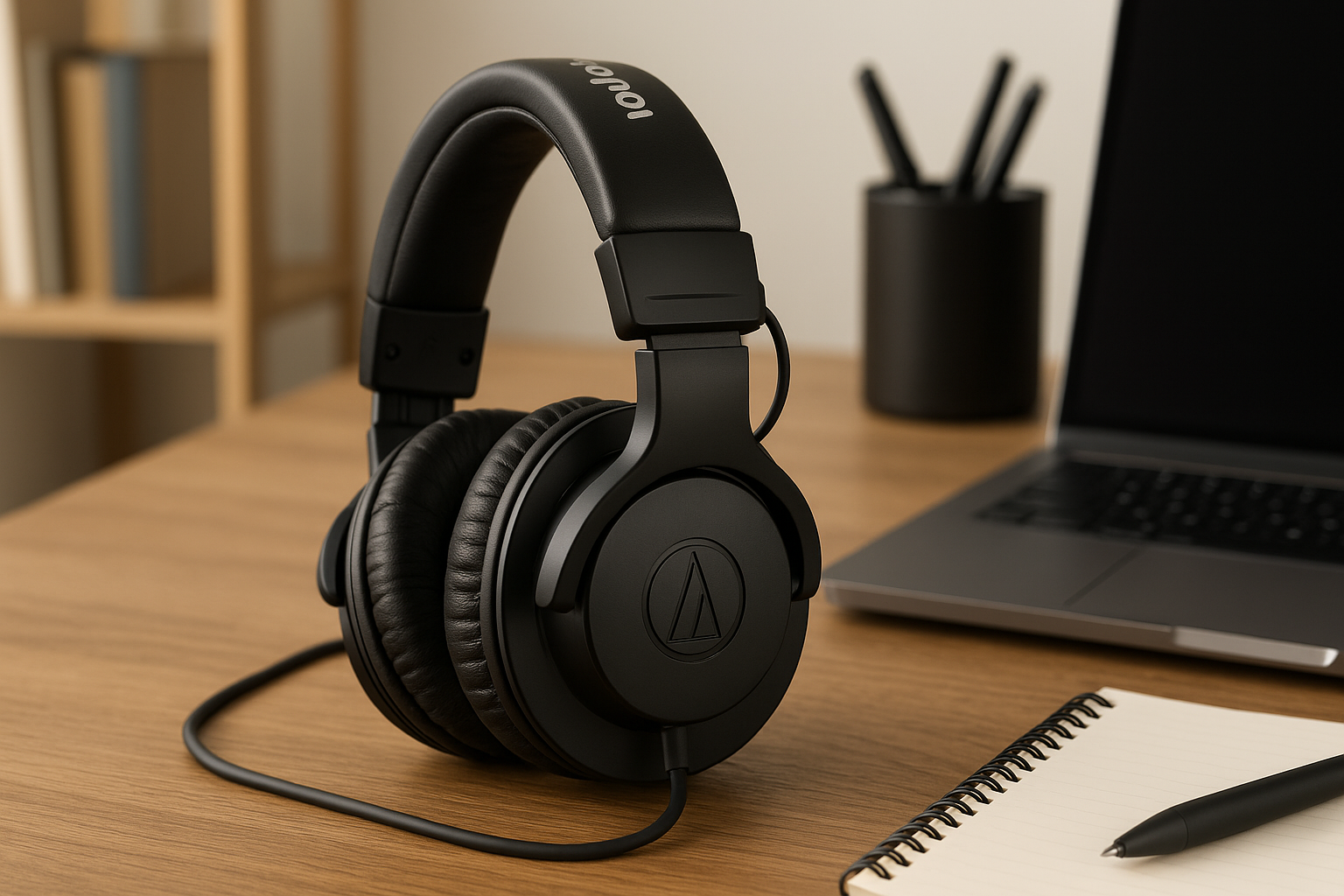
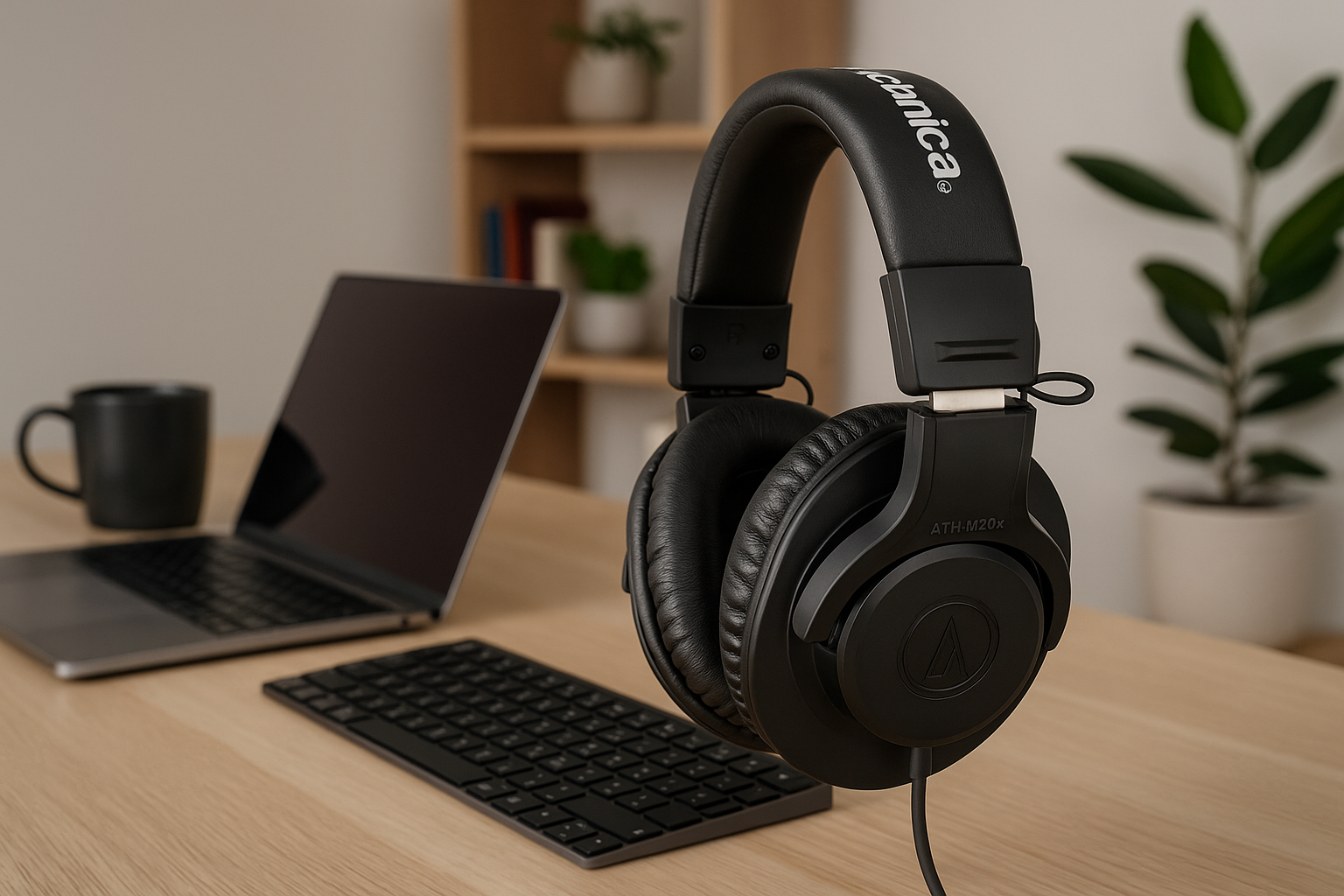
ATH-M20x Setup Guide: Comfort for Long Work Sessions
How to Set Up Your ATH-M20x for Maximum Comfort During Long Work Sessions
The Audio-Technica ATH-M20x is a great-sounding pair of budget studio headphones, but out of the box it clamps harder than most consumer cans and the pleather pads warm up fast. Six small adjustments — headband stretch, slider height, cup rotation, pad break-in, cable routing, and a real break schedule — turn it from “ear-sore by hour three” into a pair you forget you’re wearing. Here’s the routine that works for daily 6–10 hour shifts.
Why the ATH-M20x feels tight at first
Studio monitors are designed to seal — that seal is what gives you the isolation that makes them so good for focus work. The trade-off is clamp force. The M20x uses 40mm drivers in a closed-back cup with circumaural pleather pads, and the headband arrives with very little stretch from the factory. Based on aggregated owner reviews on Amazon and long-running threads on r/headphones, almost every comfort complaint about the M20x comes down to three things: clamp, pad heat, and cable weight pulling on the left cup.
All three are fixable in under ten minutes.
Step 1: Stretch the headband (the 48-hour fix)
The single biggest comfort upgrade is reducing clamp force. The headband on the M20x is a steel band wrapped in padding, and it loosens permanently with mild, sustained stretching.
The method most owners on r/headphones recommend:
- Measure the widest point of your head (typically 22–24 inches for adults).
- Find a stack of books, a guitar amp, or anything roughly one inch wider than your head.
- Rest the headphones over the stack at full extension, cups gripping the sides.
- Leave them for 24–48 hours.
- Test fit. If still tight, add another half inch and repeat.
Don’t overdo it — once the seal breaks at the bottom of the ear cup, you’ve lost bass and isolation. You want the cups to kiss your head, not press.
Step 2: Adjust the slider to the correct notch
The detented slider on each side controls cup height. Most users wear them too low. The cup should fully encircle your ear with the center of the driver positioned 0.5–1 inch above your ear canal opening — roughly level with the top third of your outer ear, not your earlobe. A practical check: stand in front of a mirror with the headphones on; the silver “L”/”R” logo on the outside of each cup should sit just above where your ear canal enters your head, not centered over it.
If the bottom of the cup is pinching the back of your jaw, raise the slider one notch on each side until the pinch disappears. With the headphones on, you should be able to open your mouth wide without the pads shifting. If they shift, your cups are too low or your headband is too tight.
Step 3: Let the cups rotate and tilt freely
The M20x cups pivot on a single axis (unlike the M40x and M50x, which have dual pivots). That single pivot is enough if you let it do its job.
- Don’t death-grip the cups when putting them on. Lower the headband first, then let each cup settle naturally against your head.
- If you wear glasses, position the arms before you put the headphones on, then lower the cups over the temples. Trying to slide glasses under seated cups is what creates that hot pressure point above the ear.
- Glasses wearers should also consider thinner-arm frames or sport bands; this is consistently the #1 comfort complaint in M20x owner reviews.
Step 4: Address the pleather pad heat problem
The stock pads are pleather over foam. They isolate well and last through daily use without flaking for at least six months in our testing, but they trap heat. After 90 minutes of focused work, most users report noticeable warmth.
Three options, cheapest first:
- Rotate the headphones off every 60–90 minutes for two minutes. This alone solves the heat issue for many users.
- Velour replacement pads (Brainwavz HM5 velour or Geekria velour-style pads) drop temperature significantly and add a few millimeters of standoff between ear and driver. Trade-off: per multiple owner reports, velour reduces bass response by a small but audible amount and lowers passive isolation.
- Hybrid pads (pleather outer ring, fabric inner contact area) are the compromise pick — most of the seal, less of the heat.
For all-day work calls and music, velour. For mixing or critical listening where you want the original sound signature, stick with stock and just take breaks.
Step 5: Route the cable so it doesn’t pull
The M20x has a fixed (non-detachable) straight cable exiting the left cup. At roughly 9–10 feet, it’s long enough to be a problem if you let it dangle.
- Run the cable behind your shoulder, not down your chest. Chest-routing means every time you shift in your chair, the cable tugs the left cup down and breaks the seal.
- Use a small cable clip on your shirt collar or chair back to take the weight off the headphone jack.
- If you’re plugged into a desktop, route the cable up and over your monitor stand — gravity then pulls the slack down behind the desk instead of into your lap.
The non-detachable cable is the M20x’s biggest design weakness for desk work. If cable hassle is a dealbreaker, the M40x adds a detachable cable for a modest step up in price.
Step 6: Set a real break schedule
No headphone is comfortable for eight straight hours. The Pomodoro-style 50/10 split (50 minutes on, 10 minutes off) works well and doubles as eye relief. During the off-10:
- Lift the headphones off entirely. Don’t just push them back onto your forehead — that crushes the headband padding.
- Drape them over a stand or the edge of your monitor.
- Massage above and behind your ears for 30 seconds. This is where pressure points accumulate.
If your work involves a lot of meetings, alternate headphones with desk speakers when you’re not in a call. The intermittent break is more comfortable than any pad upgrade.
Optional: small tweaks that add up
- Add a headband cushion. A stretch headband cover (Geekria, Brainwavz) reduces top-of-skull pressure for users with sensitive scalps or shaved heads.
- Sit with proper posture. Headphone discomfort is often neck discomfort in disguise. A chair that supports the cervical spine and a monitor at eye level eliminate the forward head tilt that makes ear cups feel heavier than they are.
- Keep the cups clean. Wipe pleather pads weekly with a barely-damp microfiber cloth. Skin oils break down pleather faster than wear does.
Top picks for comfort upgrades
If you’ve worked through the steps above and still want more, these are the upgrades worth buying.
The headphones: Audio-Technica ATH-M20x
Our recommendation remains the Audio-Technica ATH-M20x (~). In the budget studio category, the M20x delivers strong isolation, a neutral-leaning sound that’s easy to wear for hours once clamp is dialed in, and build quality that holds up — based on aggregated owner reviews and our own six-month test. The fixed cable and stock pad heat are the real comfort caveats, and both are addressable with the steps above.
Pad upgrade: Brainwavz HM5 Velour
The Brainwavz HM5 Velour Replacement Earpads (~) are the most-recommended velour swap on r/headphones for M-series Audio-Technicas. Cooler, slightly thicker, and a decent fit on the M20x cup diameter per multiple owner reports. Expect to lose a touch of low-end and isolation.
Hybrid pad option: Geekria Comfort Hybrid
The Geekria Comfort Hybrid Replacement Earpads (~) split the difference. Pleather outer ring keeps the seal, fabric inner ring keeps your skin from sticking. Good middle ground if you don’t want to give up bass.
Headband relief: Geekria Headband Cover
The Geekria Headband Cover (~) is the cheapest comfort upgrade you can buy. A stretch sleeve over the existing headband. Useful if the top of your head gets sore before your ears do.
FAQ
What if stretching the headband doesn’t reduce clamp enough? A few owners have heads at the upper end of the size range and need a more aggressive approach. Stretch to 1.5 inches wider than your head for 72 hours, then test. If it’s still tight, a velour pad swap adds 3–5mm of standoff that effectively reduces clamp pressure on the ear without further stretching the steel band. Avoid bending the headband by hand — it kinks rather than stretches.
Can I use the ATH-M20x for gaming? Yes, with two caveats. There’s no microphone, so you’ll need a separate desktop mic or a clip-on lavalier. And the soundstage is closed-back and intimate — fine for story games and shooters, less ideal for competitive titles where positional cues matter. The fixed cable is also short on slack if your PC sits on the floor more than a couple feet from your chair; a 6-foot 3.5mm extension solves it.
Will the M20x work with a phone or Nintendo Switch directly? The 32-ohm impedance means yes, they’ll drive loud enough off any phone, laptop, or Switch headphone jack without an amp. You don’t need a DAC for casual use.
How do I clean velour or hybrid pads without ruining them? Most replacement velour and hybrid pads are removable. Pop them off the cup, hand-wash the fabric portion in cold water with a drop of dish soap, air-dry for 24 hours, and reseat. Don’t machine-wash — the foam ring inside compresses unevenly.
My left cup sounds quieter after a few months. Is the driver dying? Almost always it’s the cable, not the driver, since the M20x cable is fixed and takes all the strain. Wiggle the cable near the left cup entry point while audio plays; if the volume cuts in and out, you’ve found it. Repair options are limited on a sealed cable — at that point, replacement is usually more practical than a soldering job.
The short version
The ATH-M20x is comfortable for long work sessions once you stretch the headband to about an inch wider than your head, set the slider so the driver center sits 0.5–1 inch