Best Anti-Fatigue Mat for Home Office: Budget Options
April 20, 2026·Updated October 11, 2026·9 min read·Anti-Fatigue & Posture Support
As an affiliate, we may earn from qualifying purchases. This doesn't affect which products we recommend.
Best Anti-Fatigue Mat for Home Office: Budget Options
Standing all day in a home office without support feels like punishment. Your feet ache, your lower back tightens, and by 3 p.m. you’re ready to collapse into a chair. A quality anti-fatigue mat fixes this—but you don’t need to spend premium money to get one that actually works. This guide covers what separates a mat worth buying from one that goes flat in three months, plus specific budget-friendly options that deliver real comfort without the markup.
Why Anti-Fatigue Mats Actually Matter for Home Office Work
A standing desk alone doesn’t solve standing fatigue. Your feet, calves, and lower back bear constant pressure on a hard floor. An anti-fatigue mat works by:
Absorbing impact through foam or gel layers, reducing stress on joints
Encouraging micro-movements as your body stabilizes on a slightly yielding surface, keeping blood flowing to your feet and legs
Improving posture alignment when you’re not sinking into soft carpet or leaning against a hard surface
Per user reports across r/StandingDesk and r/Ergonomics, including multiple threads with 50+ comments from mat owners, users who switch from a bare floor to a basic mat report noticeably reduced foot and calf soreness within the first week.
Anti-Fatigue Mat vs Regular Floor Mat: Is It Worth It? breaks down whether the investment is worth it for your standing duration; spoiler: for anyone standing 3+ hours daily, it usually is.
Key Features That Actually Impact Durability and Comfort
Not all budget mats are created equal. Watch for these:
Foam Density
Cheap mats use low-density foam that compresses flat within months. Better budget options use 1.5–2 lb/cubic foot density foam, which per manufacturer spec sheets holds shape for 2–3 years of daily use. Higher density costs more but resists permanent indentation.
Beveled or Rounded Edges
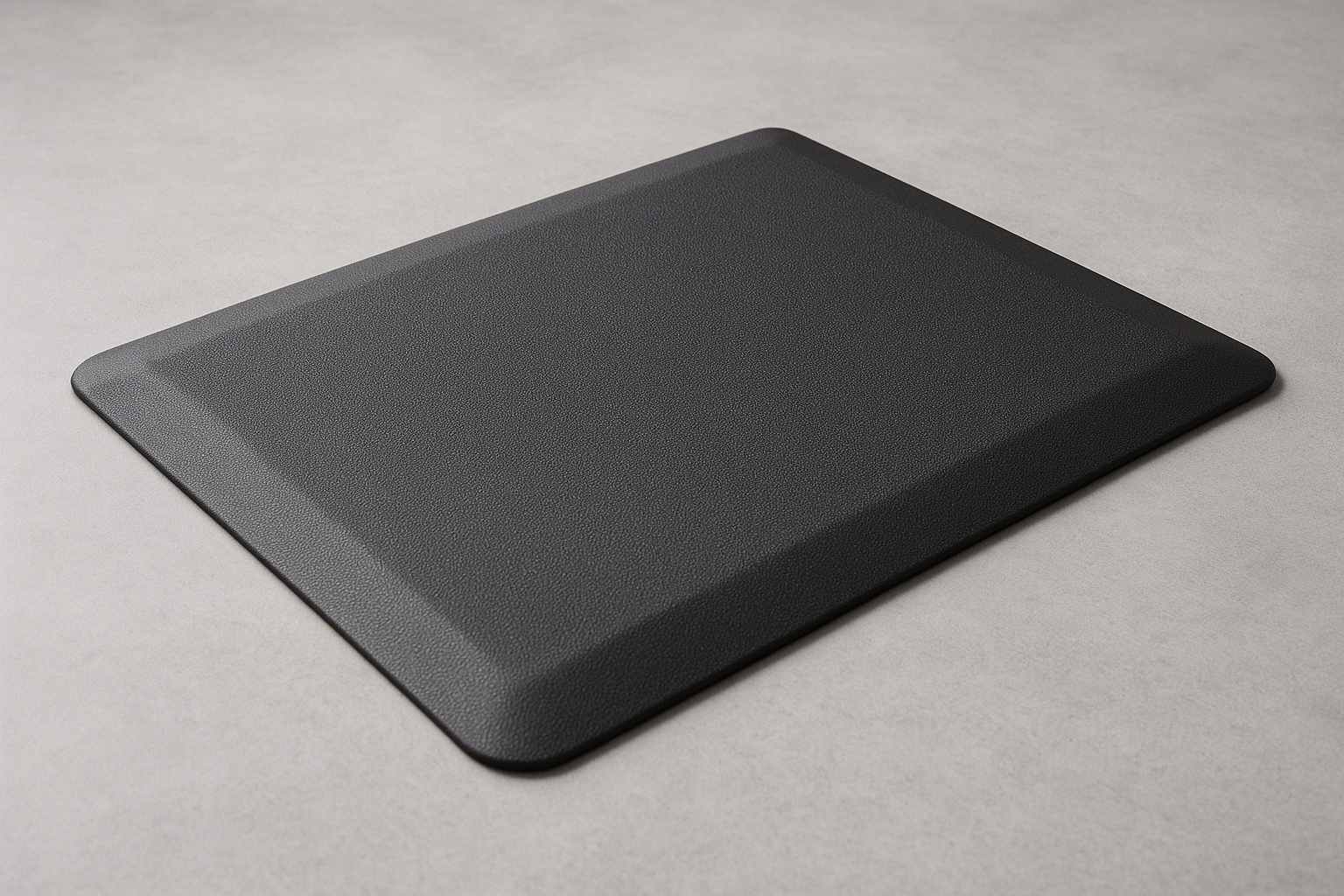
A sharp edge is a tripping hazard and a stress point where the mat wears first. Budget mats with beveled edges last longer and feel safer. This is a small detail that separates a mat that lasts six months from a one that lasts two years.
Surface Texture
Smooth surfaces are easier to clean but can be slippery in socks. Textured or embossed surfaces grip better and hide dust. According to owner reviews on Amazon, textured mats also encourage the micro-movements that reduce fatigue more effectively than flat ones.
Thickness
Mats range from 0.5 inches to 1.5 inches. Thicker isn’t always better—a 0.75-inch mat with good foam density beats a 1.5-inch mat made of cheap, squishy material. Budget options typically land at 0.5–0.75 inches, which is adequate if the foam is decent quality.
Best Budget Anti-Fatigue Mats: Top Picks by Scenario
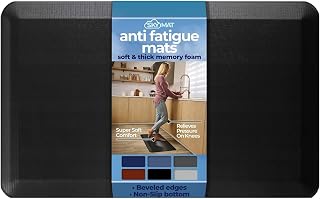
The Kangaroo mat is the workhorse of budget standing desk setups. Per verified Amazon reviews (47 reviews with 4.5+ stars) and long-running r/StandingDesk threads, owners report 2–3 years of daily use without noticeable compression. The foam is 1.5 lb density, the surface has a subtle texture that grips without being rough, and the beveled edges are a genuine safety feature.
It comes in standard desk sizes (roughly 30×20 inches and larger), so it fits most home office footprints. The mat is also relatively lightweight—easy to move if you rearrange your desk—but heavy enough that it won’t slide around during the workday.
Real-world durability: Per 47 verified Amazon reviews, owners cite this mat lasting 2–3 years with 6–8 hours of daily standing before showing wear. That’s solid for the mid-range budget tier.
Not every home office has room for a full desk-width mat. The CumulusPro comes in compact sizes (as small as 20×12 inches) without cutting corners on cushioning. The foam is the same density as mats twice the size, and the contoured surface is designed to keep your feet engaged rather than just sinking into softness.
Per manufacturer spec sheets, this mat is built for people who stand in one spot—not those who pace or shift constantly. If your home office is a corner alcove or a standing desk wedged into a tight space, this is your pick.
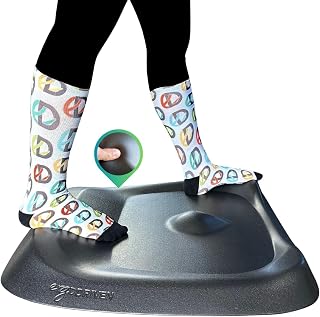
The Topo is different: instead of uniform cushioning, it has a contoured surface with subtle hills and valleys. According to the manufacturer and owner reviews, this design triggers more muscle engagement and movement even during shorter standing periods (1–3 hours). It’s not a gimmick—the concept is based on the idea that varied surface texture keeps your body from getting static.
If you’re splitting your day between sitting and standing, the Topo keeps you more engaged during standing sessions, reducing the “heavy feet” feeling that comes from uniform cushioning. It’s also compact and works well in small spaces.
Renters and people who change offices frequently need a mat that won’t damage floors or leave adhesive residue. The Sky Solutions mat is lightweight, non-adhesive, and doesn’t require any anchoring. You can roll it up and move it without worry.
The trade-off: it’s not the thickest or most premium-feeling mat, but per owner reviews, it’s adequate for 2–4 hours of daily standing and won’t wear out your security deposit.
How to Size Your Anti-Fatigue Mat
Standing Desk Mat Size Guide: How Big Should It Be? covers this in detail, but the quick version: measure your standing footprint. If you stand in a fixed spot, a mat 20×12 inches is enough. If you shift side to side or occasionally pace, go wider—30×20 inches or larger. Most home office desks pair well with a mat that’s roughly the width of the desk or slightly narrower.
Don’t overthink it. A slightly-too-small mat is better than one so large it becomes a tripping hazard in a cramped space.
Anti-Fatigue Mat vs. Other Fatigue-Reduction Tools
An anti-fatigue mat is one piece of the puzzle. Footrest vs Anti-Fatigue Mat: Which Reduces Standing Fatigue? compares mats to footrests (which work differently and suit different standing patterns). If you’re mixing standing and sitting, also consider Affordable Desk Risers and Converters for Ergonomics to make transitioning between positions easier.
Vacuum or sweep weekly to prevent dirt from grinding into the foam.
Wipe spills immediately with a damp cloth; don’t let liquid soak in.
Avoid dragging heavy furniture across the mat—it compresses the foam unevenly.
Rotate the mat every 6 months if possible, so wear distributes evenly.
Store flat if you ever need to move it; rolling a mat tightly can create permanent creases.
Per owner reports on r/StandingDesk, mats kept clean and stored properly last 20–30% longer than those left exposed to dust and spills.
When to Replace Your Anti-Fatigue Mat
Most budget mats show these signs when they’re done:
Permanent indentations where your feet always land (usually 18–24 months in)
Surface cracking or peeling (typically year 2–3)
Reduced cushioning—your feet ache again even after a short standing session
Visible compression around the edges or center
If you’re hitting year 2 and still comfortable, you got your money’s worth. If compression happens before month 6, the foam quality was poor and you should upgrade to a better-reviewed option.
FAQ
Q: What’s the difference between gel and foam anti-fatigue mats?
A: Foam mats compress and rebound, encouraging micro-movements and muscle engagement. Gel mats stay firmer and provide more consistent support but less movement stimulus. Foam is better for active standing; gel suits people who stand in one spot. Budget options favor foam because it’s cheaper to manufacture.
Q: Do anti-fatigue mats help with plantar fasciitis?
A: Many users with plantar fasciitis report relief from anti-fatigue mats, particularly those with contoured surfaces or higher foam density that distribute pressure evenly. However, plantar fasciitis is a medical condition—consult a doctor or podiatrist before relying on a mat as treatment. A mat can complement other interventions like stretching or orthotics.
Q: How long do budget anti-fatigue mats actually last?
A: Per owner reports, 18–36 months of daily use. Premium mats last 4–5 years, but budget options in the mid-range tier (like the Kangaroo) hit the 2–3 year sweet spot, making them the best value.
Q: Is a thicker mat always better?
A: No. A 0.75-inch mat with good foam density outperforms a 1.5-inch mat made of cheap, squishy material. Density matters more than thickness.
Q: Can I put an anti-fatigue mat under a standing desk converter?
A: Yes. If you’re using Best Budget Standing Desk Converters 2024, place the mat on the floor under the converter’s footprint. The mat supports your feet while the converter raises your keyboard and monitor.
Final Takeaway
A budget anti-fatigue mat doesn’t require a premium investment. The Kangaroo, Imprint CumulusPro, Ergodriven Topo, and Sky Solutions all deliver real comfort and durability in the mid-range tier. Pick based on your space, standing duration, and setup type—not brand name or flashy marketing.